
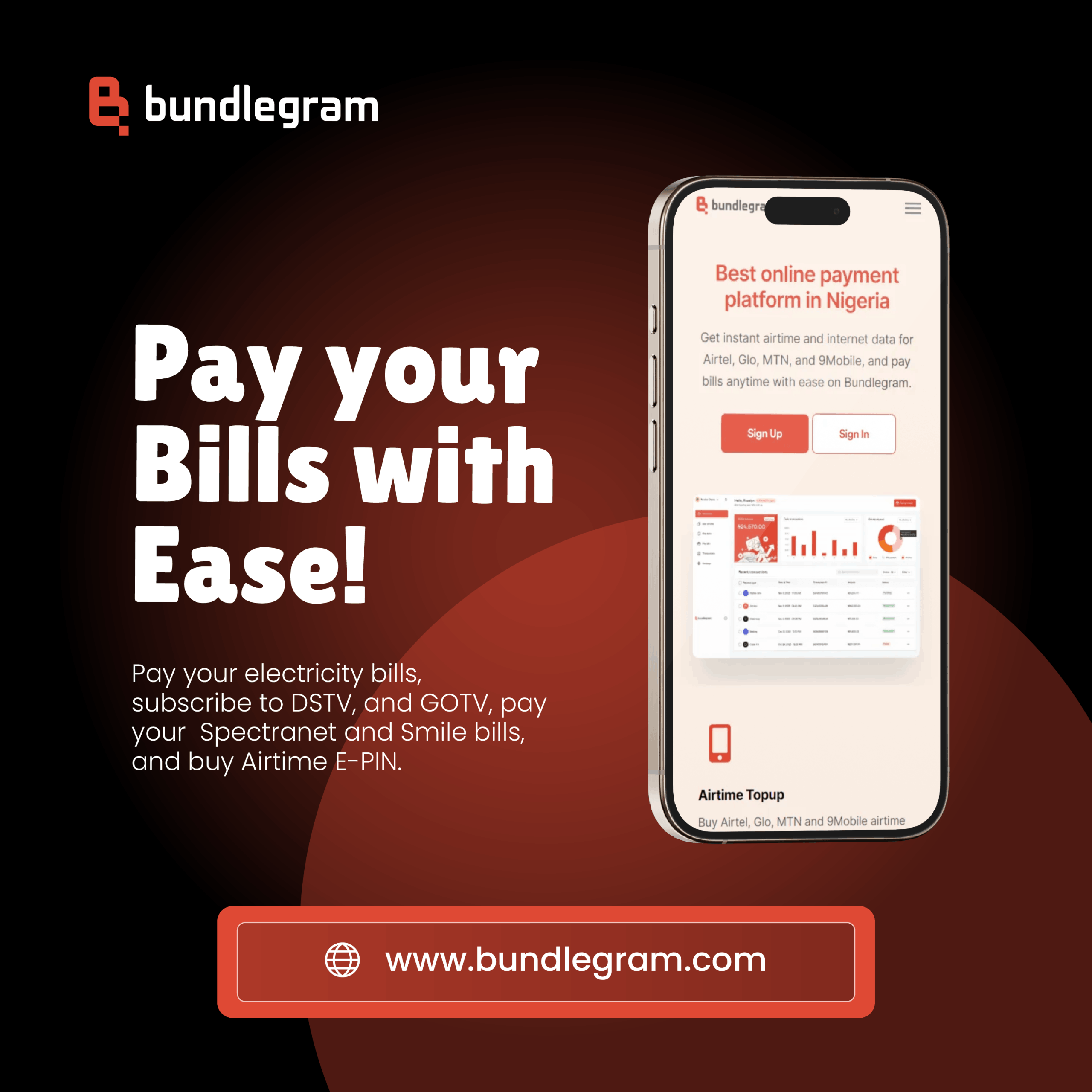
This guide explains how to pay your electricity bills on Bundlegram easily and correctly. Follow each step carefully to avoid errors and ensure instant confirmation.
Step 1: Log in to Your Bundlegram Account
Open the Bundlegram app or website and sign in using your registered phone number or email. If you are a new user, create an account before proceeding.
Step 2: Select Electricity Payment
From the dashboard, choose the electricity payment option. Select your electricity distribution company from the available list.
Step 3: Choose Meter Type
Select whether your meter is prepaid or postpaid. Choosing the correct meter type is important for successful payment.

Step 4: Enter Your Meter Number
Carefully enter your meter number exactly as shown on your meter. Double-check the digits to avoid mistakes.
Step 5: Enter the Amount
Input the amount you want to pay for electricity. Confirm that the amount is correct before proceeding.
Step 6: Confirm and Make Payment
Review all the details on the screen. Once confirmed, complete the payment using your preferred payment method.
Step 7: Receive Token or Confirmation
Prepaid users will receive an electricity token instantly. Postpaid users will receive a payment confirmation message.
Helpful Tips
- Always double-check your meter number before payment
- Save your meter details for faster future payments
- Contact Bundlegram support if your token does not work or if confirmation is delayed
Conclusion
Paying electricity bills on Bundlegram is fast and stress-free when you follow the correct steps. This guide helps you complete your payment safely and without errors.